Professional Remote Android
Rooting Service
Our professional Android root service provides safe remote assistance for supported Android devices using proven root methods. Magisk installation, Bootloader Unlock, Recovery Setup, Firmware Flashing and Unbrick Support.
Android rooting services
459+
Devices serviced
4.6/5
Customer Rating
1–3 hrs
Typical completion
100%
Refund if unsupported
Your root service advantages
Everything you need for a safe, fast, and professional Android root experience.
No data loss
Remote process preserves all your data
All brands supported
Samsung, Xiaomi, Oppo, Realme, OnePlus & more
Same-day service
Most devices finished in 1–3 hours
24/7 WhatsApp support
Instant response via WhatsApp or Telegram
Free re-root if fails
We guarantee our work or redo it free
Bootloader unlock
Official & unofficial methods for all variants
Simple 3-step process
Get your device rooted professionally in just a few hours.
Contact us
Message us on WhatsApp or Telegram with your device model.
Pay service fee
Secure online payment with trusted payment options.
Remote root done
We root your device remotely. Most devices finish in 1–3 hours.
Real reviews, real results
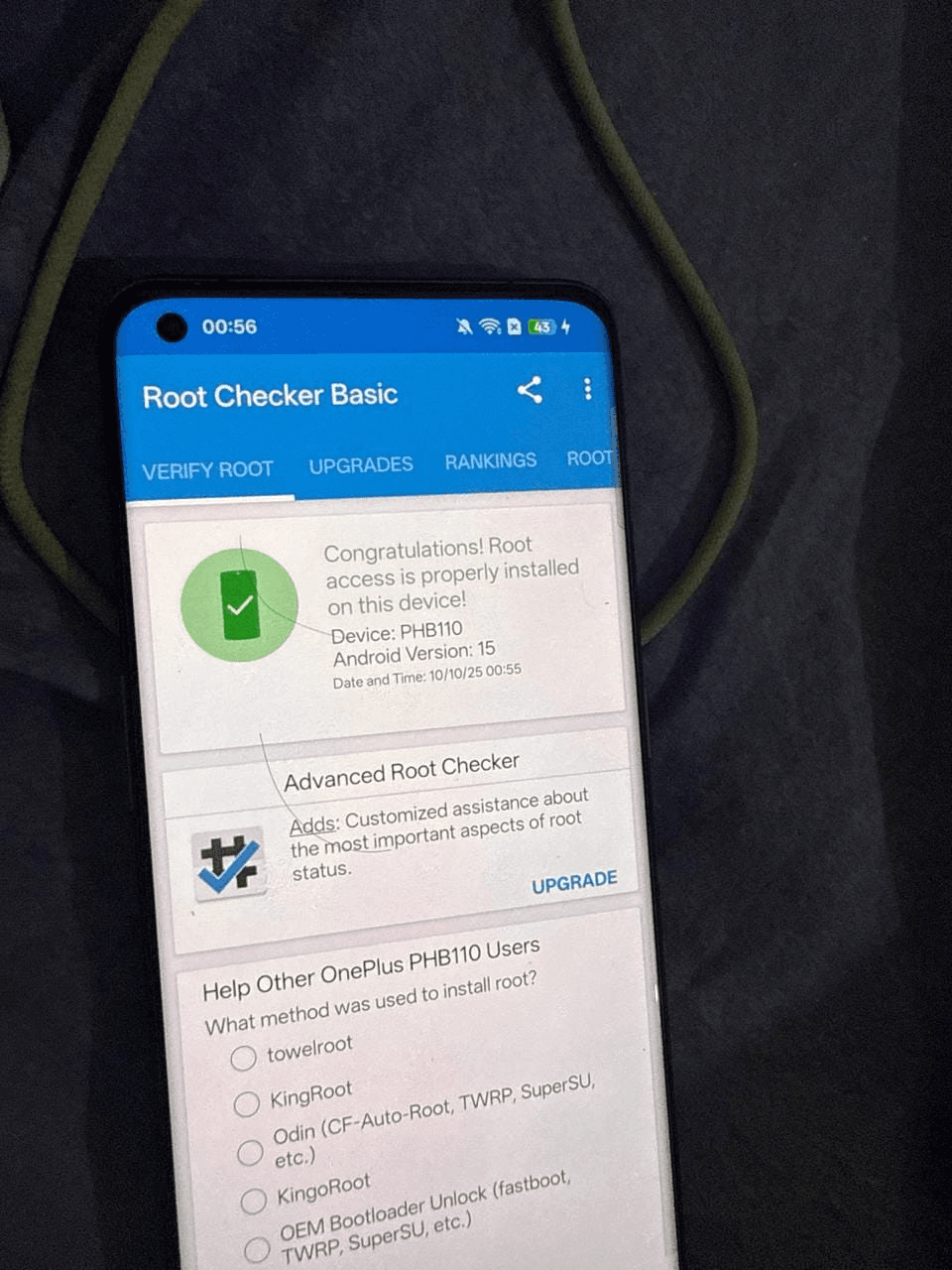
"My OnePlus 11 was rooted on Android 15 with KernelSU, and they even helped me set up the essential modules after the installation. Banking apps and OTA guidance were also provided. Great experience overall."
Arjun Mehta
Pune, India · OnePlus 11 (Android 15)
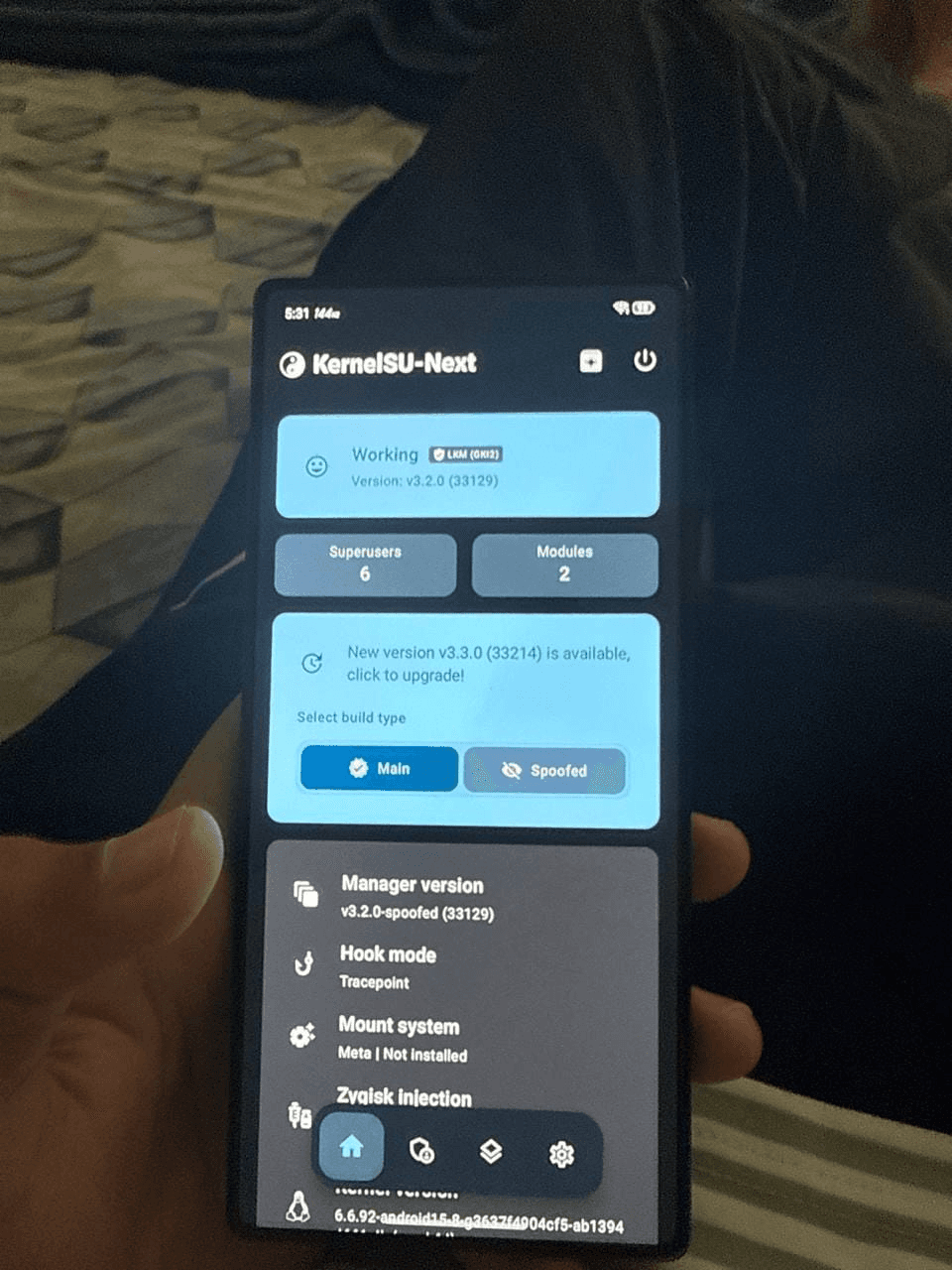
"The root setup on my RedMagic gaming phone was flawless. Performance tuning, gaming modules, and thermal tweaks made a noticeable difference without affecting daily usablility."
Hiroshi Tanaka
Osaka, Japan · RedMagic 11 Air
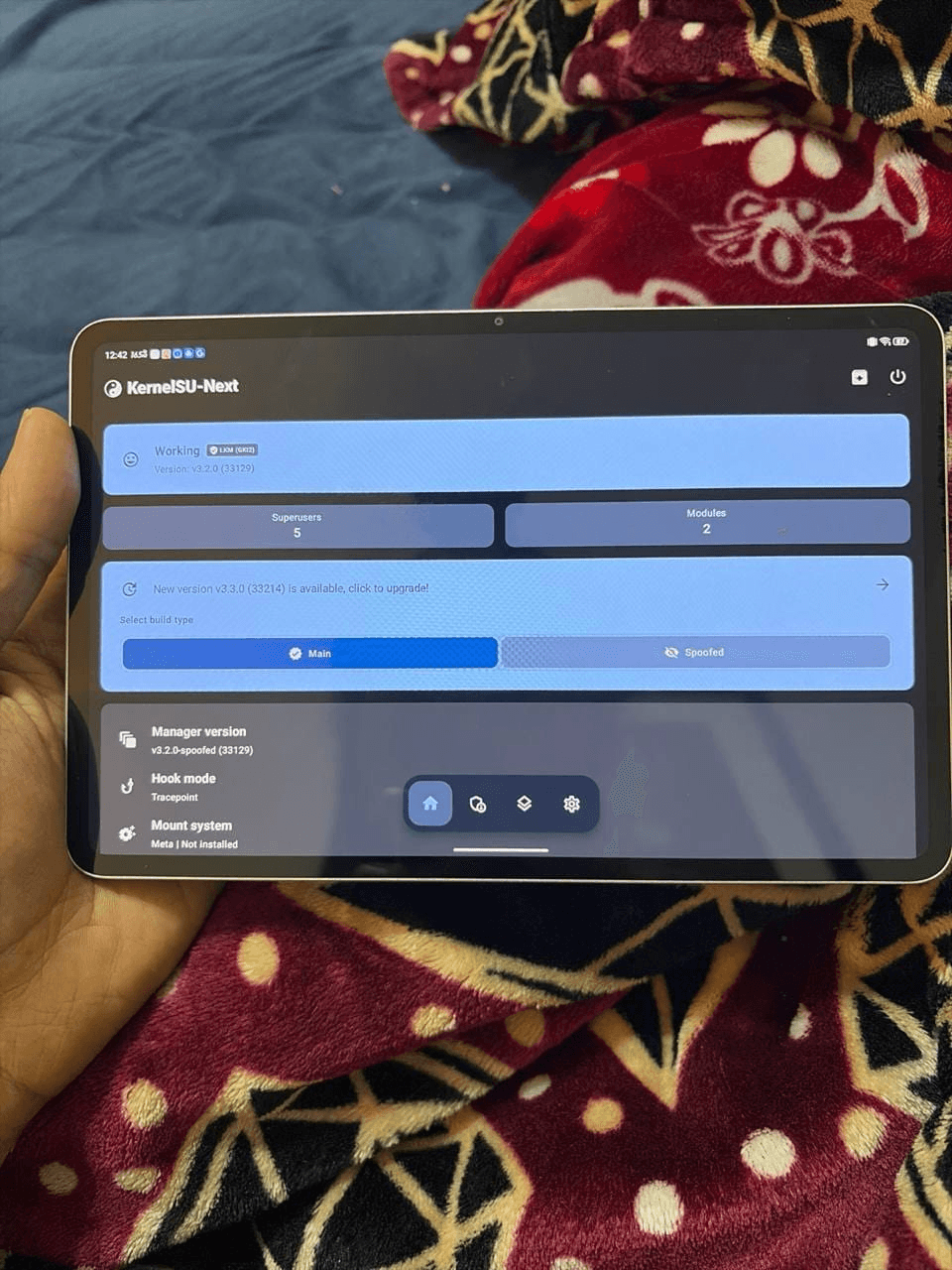
"I needed root access on my RedMagic Nova tablet - NP03J for emulation and development. The technician completed everything remotely, preserved all my files, and made sure everything worked before disconnecting."
Emily Roberts
Melbourne, Australia · RedMagic Nova Gaming Tablet
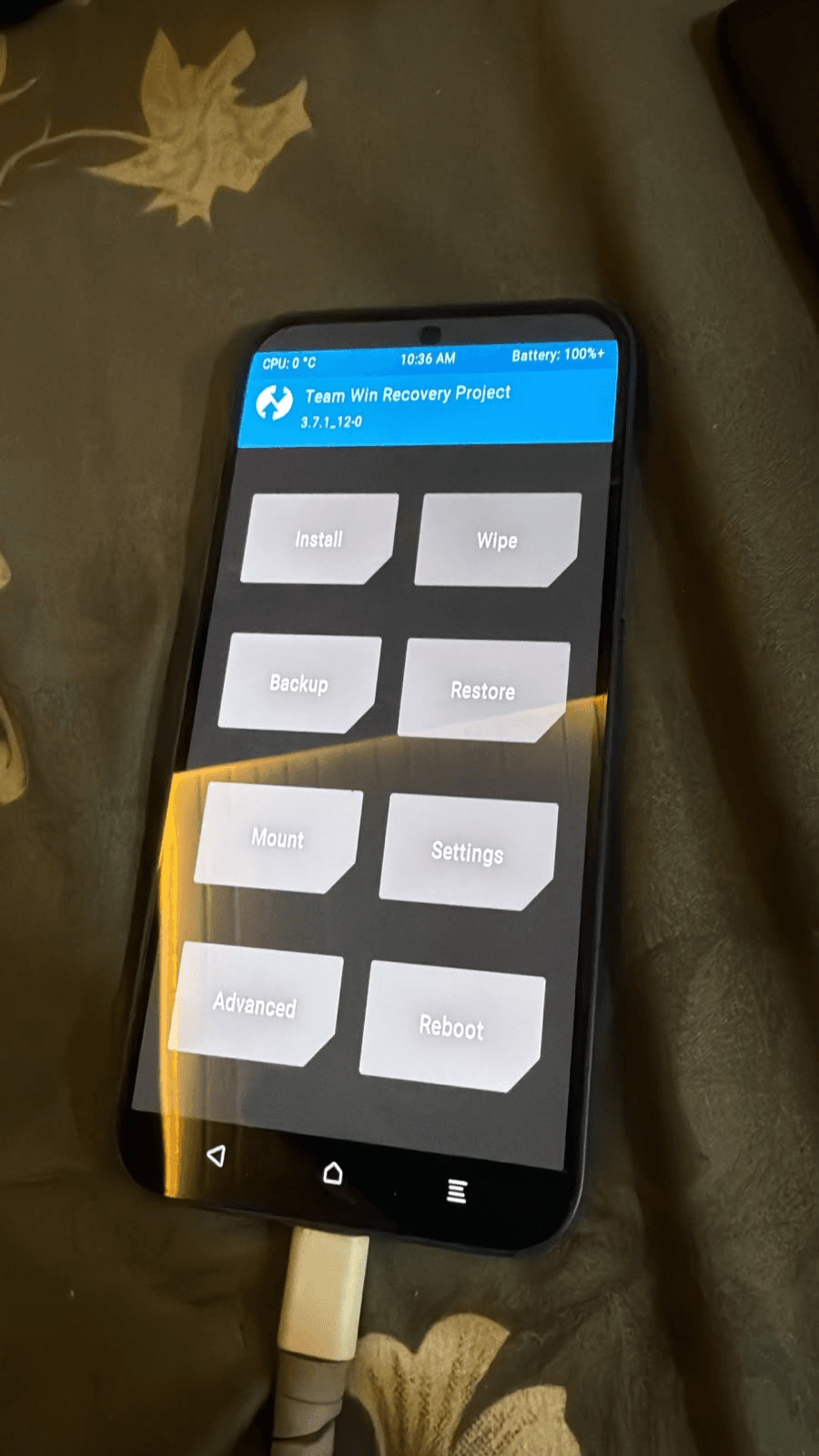
"I needed a custom TWRP recovery for backups and ROM testing. The installation was completed remotely, everything booted perfectly, and all my personal data remained untouched."
Priya Nair
Kochi, India · NOTHING 2A PLUS
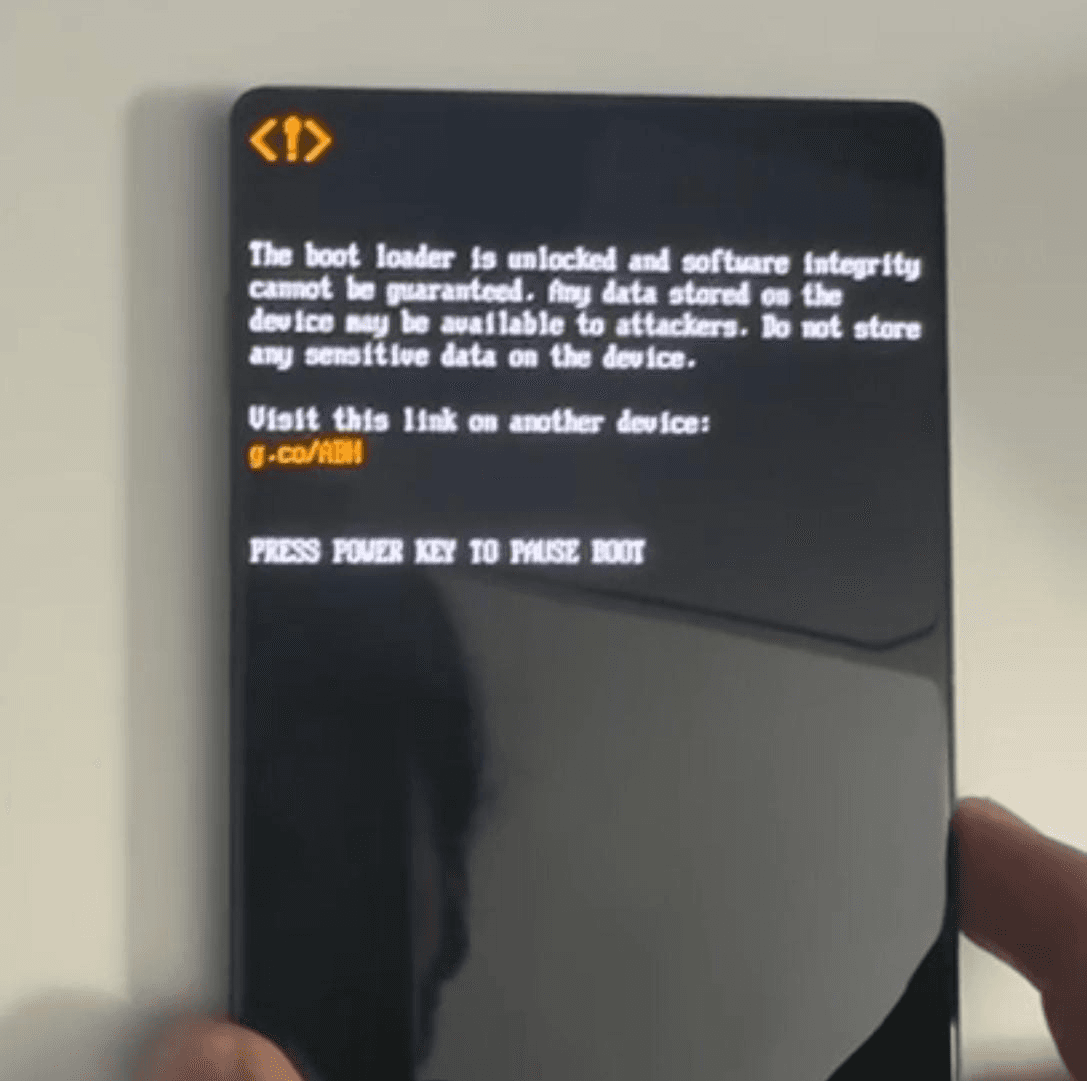
"I wanted my bootloader unlocked Redmagic 11 Series without risking my data, and the whole remote process was surprisingly smooth. Everything was explained step by step, and my phone was ready in less than an hour."
Michael Turner
Manchester, UK · SUKISU
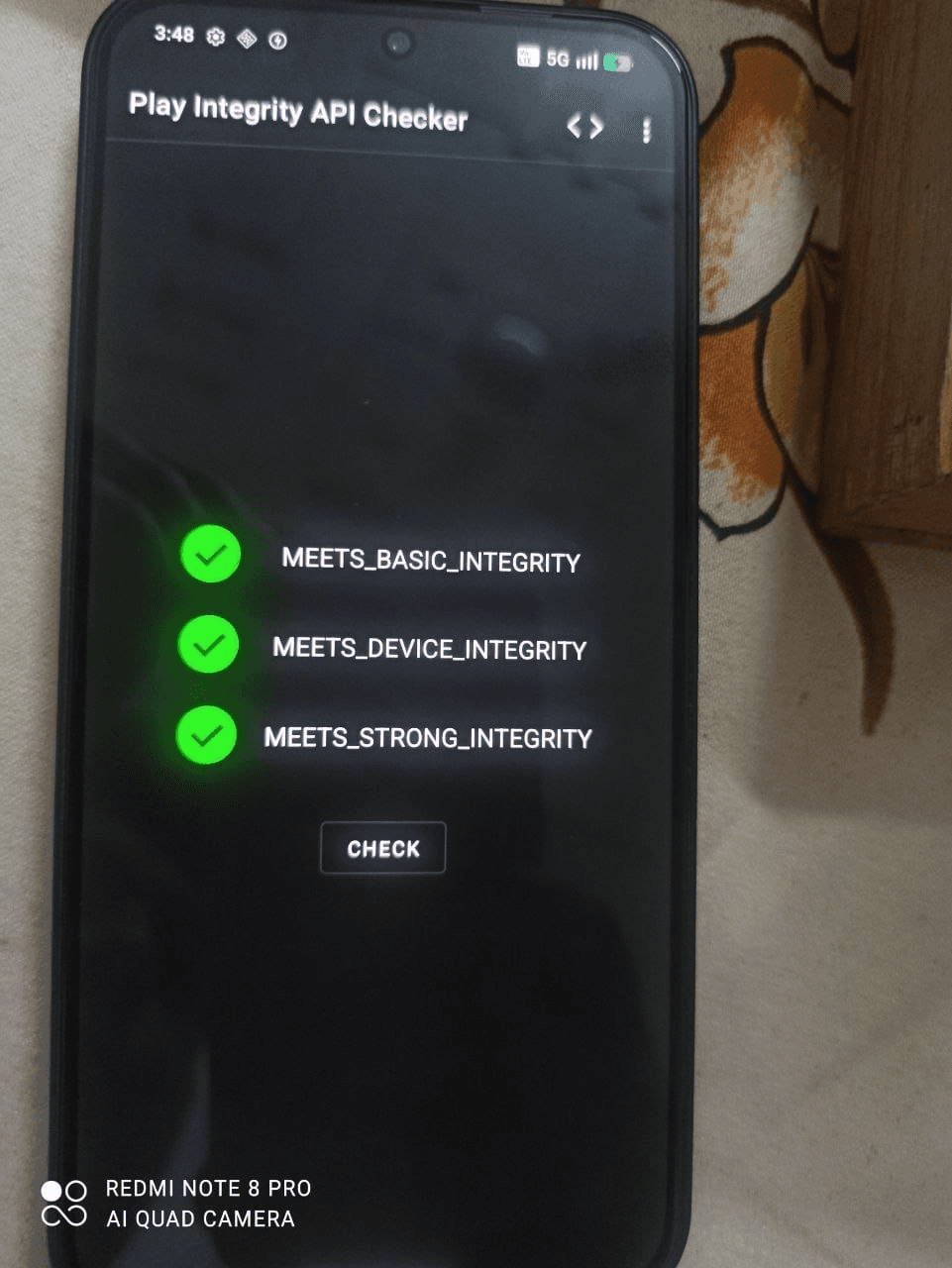
"The strongest part of the service was getting Play Integrity to pass after root. My banking apps, Google Wallet, and other secure apps all work perfectly now."
Javier Moreno
Barcelona, Spain · SUKISU
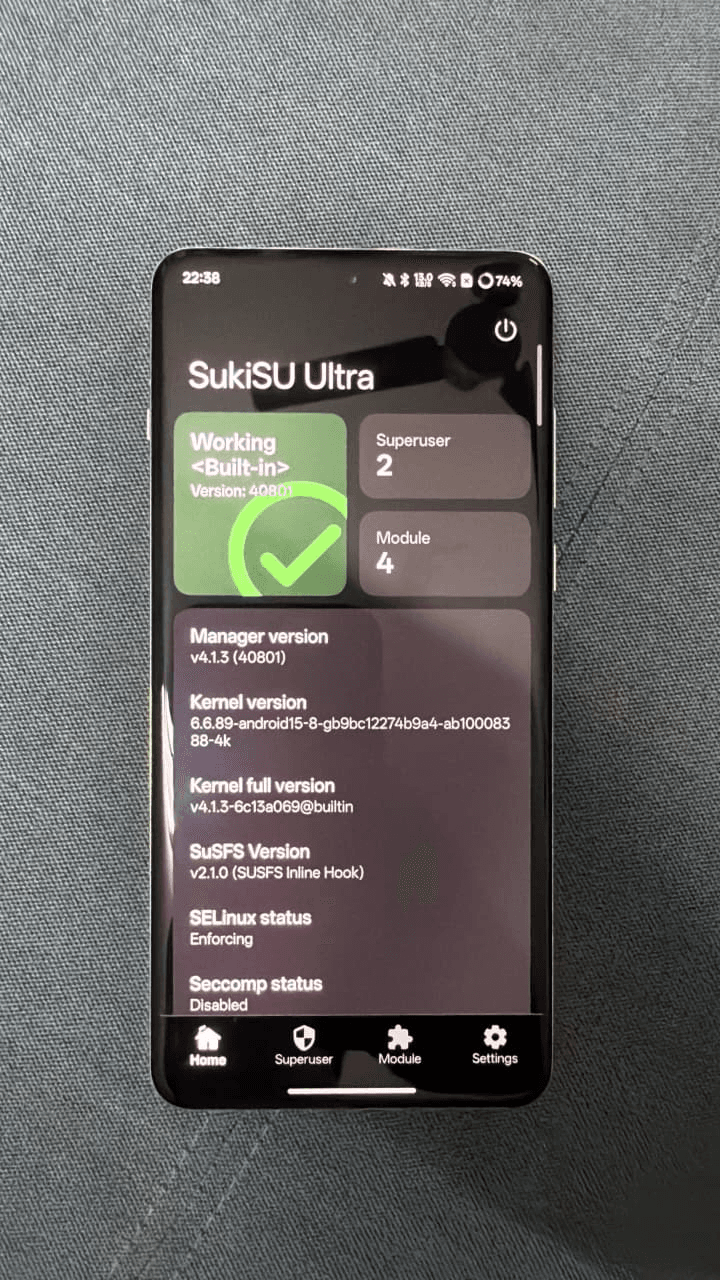
"KernelSU was installed remotely without any issues. The setup was clean, root was properly configured, and I received guidance on updating modules safely in the future."
Daniel Wong
Vancouver, Canada · SUKISU
Frequently Asked Questions
Find answers to common questions about our services.
What does root an Android device mean?
Root an Android device means gaining (Superuser) privileged control of the administrative system on your Android phone or tablet.
After root your Android device you get full authority. Android root removes all software limitations and you get complete access to the Android OS. See below the benefits of root.
Why should I root my Android device?
If you want to use your Android device to its fullest, root is the answer. It will open the door to an increase in speed and battery life, free wireless tethering, complete backups, customizability, and many more. You'll be surprised these features have been there all along, just a root away.
Is root my Android device worth the trouble?
Root is about control, not magic. You can genuinely remove carrier and manufacturer bloatware instead of merely disabling it, block ads and trackers system-wide through a hosts module, take complete backups that actually restore app data, and run modules that change system behaviour.
Kernel managers also expose CPU, thermal, and charge-limit controls the stock system hides. What root does not do is automatically make every phone faster or double its battery life — those outcomes depend entirely on what you configure afterwards, and we would rather tell you that up front.
Is rooting safe?
Not all devices are rootable. However, the majority of devices now available on the market can be rooted. The list of rootable devices is continuously updating, including more and more phones and tablets. Verify if your device is rootable here.
How to root Android mobile phones?
There are many ways to root Android mobile phones and tablets. Especially since there is a multitude of manners to root your device, many of which can damage your phone or tablet, we recommend allowing skilled technicians to assist you.
Can the root process harm your device?
The web offers a multitude of ways to root your Android device. Many (if not all) of them will actually damage your device. That's why it's not recommended to do DIY root.
Our skilled technicians will make sure that your device is rooted properly by following our 100% risk-free process. Plus, we only charge you once the root is successfully completed.
Attention! The only way your Android device might be damaged is if you were to disconnect it from your PC during the root, or if you were to lose power to your PC or Android device. Please make sure your electronics stay powered on throughout the root process.
How long does the root process take?
Root an Android device is a complex and difficult process. However, its complexity depends on the Android device you wish to root and on the internet connection you are using. On many phones, the process is incredibly easy and will be done in no time, while for other models, root may take much more work.
What do I need to root my device?
For a successful root of your Android device you will need:
• Access to your Android device.
• A stable internet connection. Attention! Do not use your phone as Hotspot during the root process. You will need a different and stable internet connection for the root process to be done correctly and risk-free.
• Access to a Windows or Mac computer.
What can go wrong, and how do you reduce the risk?
We aim to root all Android devices currently available. However, due to the sheer number and complexity of Android devices on the market today, we may not support your Android device at this time.
We are unable to provide exact support dates at this time. However, we are constantly working on new root methods. Please check back for more information.
How much does the root service cost?
Most devices are finished within 1–3 hours, and we work remotely while you watch, so you are not without your phone for days. The variables are your device’s brand and connection speed rather than any queue on our side.
One honest exception: Xiaomi enforces a mandatory Mi Unlock waiting period after you bind your account — historically days to a month — which nobody can skip. For those devices we split the work into a short setup session now, and the unlock and root once your wait expires.
How does the remote root session work?
After a compatibility check on WhatsApp or Telegram, we schedule a remote session at a time that suits you. You connect your phone to your Windows or Mac computer, install a screen-sharing tool such as TeamViewer or AnyDesk, and our technician performs every step while you watch.
You stay in control of your computer the entire time and can see exactly what is being done. Most devices are finished within 1–3 hours.
Is my personal data safe during the remote session?
Our technicians only access the tools needed for the root process, and you can observe the whole session on your own screen.
Note that unlocking the bootloader wipes the device on most models — we always tell you in advance when a step will erase data and help you take a full backup first. Where a data-preserving method exists for your device, we use it.
What if my device is not supported?
You do not pay for work we cannot do. The compatibility check happens before any payment, and it is where we tell you no — permanently locked US Snapdragon Galaxy models, most vivo and iQOO retail units, and Huawei devices on recent firmware genuinely cannot be rooted, and no tool or service can change that.
If the limitation only becomes clear after you have paid, you receive a full refund of the service fee. Our refund policy sets out the exact terms.
Read the refund policyTransparent Pricing
Starting prices for remote android root, unlocking, and rescue services.
Advanced
Standard root & unlocks
Loading latest articles...
Check root availability for your device
Ready to root your phone?
Send your model number on WhatsApp for a compatibility check and custom quote. Our experts handle everything remotely via TeamViewer or AnyDesk.