
General
Display
Performance
Camera
Battery
Network
Connectivity
Sensors
Other
Lava Yuva Pro Overview
The Lava Yuva Pro is an Android device from Lava, released in 2022. It combines a 6.52-inch display, running Android 12. This page tracks its full specifications, root status, and the bootloader and recovery notes that apply to it.
Root the Lava Yuva Pro
The Lava Yuva Pro is a 2022 Android device from Lava. Shipped software: Android 12. For this model the realistic path is: a standard fastboot bootloader unlock, followed by Magisk via patched boot image (fastboot). Typical hands-on time is 1–3 hours.
Difficulty
Moderate — brand-specific steps involved
Typical time
1–3 hours
Method
Magisk via patched boot image (fastboot) — KernelSU also viable (GKI kernel)
Bootloader unlock on Lava
Unlock procedure follows the generic Android flow: enable OEM Unlocking in Developer Options, then unlock via fastboot. Exact availability depends on the model and region — confirm before flashing.
Platform notes
Flashing procedure depends on the chipset platform; confirm the exact SoC and matching firmware package for this model before starting.
Before you start
- Bootloader unlocking factory-resets the device on almost all models — back up everything first.
FAQ
Can I root the Lava Yuva Pro?
Yes. After enabling OEM Unlocking and unlocking the bootloader, root is Magisk via patched boot image (fastboot). The unlock notes on this page describe the exact Lava procedure.
Does the Lava Yuva Pro support custom recovery (TWRP)?
That depends on community support for this exact model — verify a build exists for its codename before flashing anything. TWRP is not required for root: Magisk installs by flashing a patched boot image via fastboot.
Will root the Lava Yuva Pro void my warranty?
Lava will generally treat a rooted Lava Yuva Pro as outside warranty while it is modified. Restoring full stock firmware before a service visit usually restores normal treatment in practice, and consumer law in some regions (such as the EU) may still cover defects unrelated to root.
What Android version does the Lava Yuva Pro run?
It runs Android 12. The specifications table on this page lists the full software details.
Similar Devices
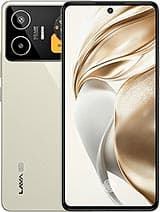
Lava Blaze Duo 3
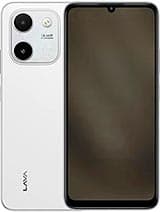
Lava Yuva Star 3
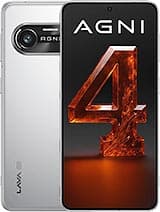
Lava Agni 4
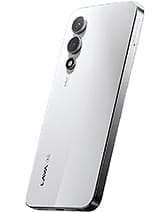
Lava Play Max
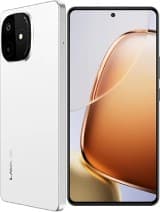
Lava Play Ultra
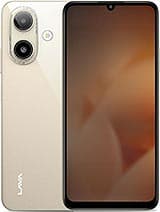
Lava Bold N1
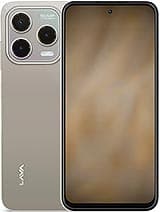
Lava Bold N1 Pro
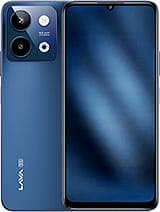
Lava Storm Lite