Nothing Root Services & Magisk Support
15 devices with specifications, support status, and root information.
Rooting Nothing devices
Nothing is a newer brand that has taken a deliberately modding-friendly stance. Nothing Phone models ship with unlockable bootloaders and a standard fastboot unlock flow: enable OEM Unlocking and USB debugging in Developer Options, boot to the bootloader, and run the unlock command — no waiting period, no application process.
After unlocking, rooting follows the standard Magisk init_boot method (Nothing devices launched on recent Android versions, so init_boot.img is the patch target), and the near-stock Nothing OS keeps the process clean and predictable. As always, unlocking wipes the device, so back up first and confirm your exact model and firmware before flashing. Nothing's small but active community means firmware and support are readily available for its handful of models.
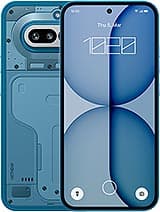
Nothing Phone (4a)
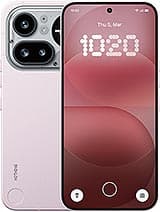
Nothing Phone (4a) Pro
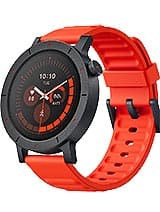
Nothing CMF Watch 3 Pro
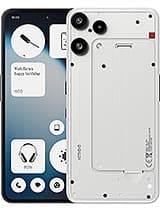
Nothing Phone (3a) Lite
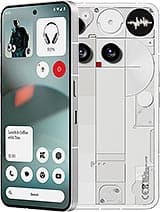
Nothing Phone (3)
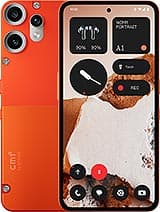
Nothing CMF Phone 2 Pro
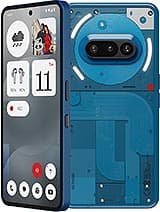
Nothing Phone (3a)
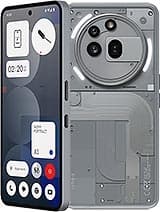
Nothing Phone (3a) Pro
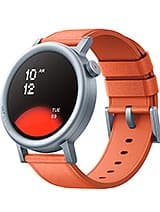
Nothing CMF Watch Pro 2
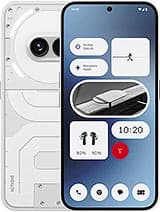
Nothing Phone (2a)
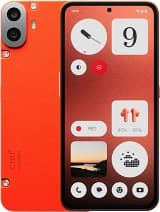
Nothing CMF Phone 1

Nothing Phone (2a) Plus
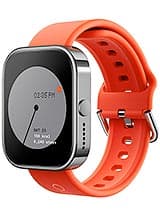
Nothing CMF Watch Pro
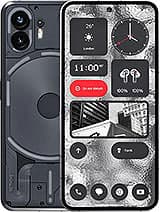
Nothing Phone (2)
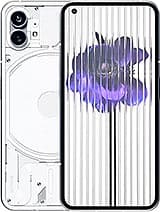
Nothing Phone (1)
Nothing rooting — frequently asked questions
Can I unlock a Nothing Phone bootloader?
Yes. Nothing ships unlockable bootloaders with a standard fastboot unlock command — no waiting period or application — making it one of the simpler brands to root.
Which boot image does Nothing use for Magisk?
Nothing devices launched on recent Android versions, so Magisk patches init_boot.img rather than boot.img. Match the method to avoid a bootloop.
Is rooting a Nothing Phone safe?
As safe as any modern device: an open unlock path and near-stock Nothing OS make it predictable. Back up first, since unlocking wipes the phone.